
AI Agent vs. AI Assistant: What’s the Difference and Which Fits Creative Work?
While AI agents execute tasks autonomously across complex operational layers, AI assistants remain user-dependent copilots. As AI becomes integral to creative workflows, the boundaries between chatbots, assistants, and agents can easily blur. Yet these terms aren’t interchangeable: each implies distinct levels of autonomy, user control, and execution capability. While some creative teams rely on AI assistants for direct creative control, others benefit from integrating autonomous agents into repetitive operational pipelines.
What do these terms actually mean, and which approach fits your workflow? This guide breaks down AI agents and AI assistants, covering their primary purposes, key differences, and practical creative applications.
TL;DR
- AI assistants act as user-guided copilots within active sessions, while AI agents independently execute multi-step goals without continuous human prompting.
- Assistants focus on session-based brainstorming, asset discovery, and iterative editing; agents dynamically integrate with external tools, databases, and enterprise APIs.
- Human-steered assistants suit creative tasks demanding aesthetic nuance, while agents excel at workflows involving adaptive decisions across connected systems.
- Both assistants and agents can make errors that require human review; agent errors can spread across connected platforms depending on permissions and safeguards.
- Creative teams can utilize the DepositPhotos AI Assistant to refine ideas interactively, then hand off approved concepts to an agent for automated multi-channel publishing.
AI agent vs. AI assistant: the short answer
An AI assistant helps users complete tasks through direct interaction, where humans guide the workflow, review outputs, and decide next steps. In contrast, an AI agent autonomously pursues high-level goals—decomposing objectives into multi-step plans, orchestrating external tools, and executing with minimal ongoing guidance within set permissions. For creative work, the practical difference comes down to how much decision-making and execution you delegate, though these categories frequently overlap as assistants gain agentic features and agents still require human approval.
What is an AI assistant designed to do?
An AI assistant serves to address user requests, whether that means analyzing text, refining code, or generating engaging content. A 2026 systematic review highlights capabilities such as context awareness, personalization, and session memory in virtual assistants, while noting their overlapping terminology with autonomous systems.
Respond to user requests and maintain session context
An AI assistant functions primarily as a user-directed system that retains context within an active session window to enable continuous task progression. Because it is input-dependent, output quality relies directly on clear user instructions and detailed supporting context.
Suggest, search, generate, or edit under human control
An AI assistant reviews attached content, highlighting strengths and weaknesses, and suggests real-time revisions. Unlike an AI agent, an assistant relies on human steering rather than autonomous decision-making. This makes it an essential tool for teams seeking interactive creative brainstorming and editing.
💡 Related reading: See how visual copilots compare against tools like ChatGPT and Jasper in our breakdown of the best AI brainstorming tools.

What makes an AI system an agent?
An AI-powered system can be defined as an agent when it operates with high autonomy rather than requiring step-by-step human management—a core concept highlighted in Google’s definition of AI agents. This enables the system to construct multi-step plans, coordinate external tools, and adapt dynamically.
So, what else does an AI agent do?
Goal-driven execution and multi-step planning
An AI agent is initialized with a high-level objective rather than requiring step-by-step human prompts—marking a fundamental distinction between AI agents and AI assistants. What’s more, an AI agent dynamically decomposes macro goals into ordered subtasks, evaluates ongoing progress, and executes actions while adapting its strategy based on real-time results.
Autonomous tool and API orchestration
An AI agent independently evaluates its environment and invokes external tools with minimal human oversight. By integrating across REST APIs, databases, web applications, and Model Context Protocol (MCP) servers, agents dynamically select and execute the optimal tools as task conditions evolve.
The differences that matter in practice
| Dimension | AI assistant | AI agent |
| Primary driver | User-directed | Goal-directed |
| Execution mode | Interactive, step-by-step collaboration | Autonomous, multi-step execution |
| Human input frequency | Continuous throughout the creative process | At defined approval or escalation points |
| Tools usage | Guided explicitly by the user | Dynamically selected and coordinated by the system |
| Best fit | Brainstorming, editing, creative exploration | Repetitive workflows, automation, cross-system tasks |
| Primary risk | Localised errors contained within the active session | Systemic error propagation across connected platforms |
Autonomy vs. collaboration
- AI assistant: Operates as an interactive partner relying on real-time human prompts for single-turn or short multi-turn tasks.
- AI agent: Functions as an autonomous operator initialized with a macro-objective—independently formulating execution strategies, decomposing tasks, and orchestrating multi-step workflows with limited human intervention.
User approval points and governance
- AI assistant: Keeps humans directly involved, with the user guiding tasks, reviewing outputs, and deciding next steps.
- AI agent: Operates independently, using guardrails or predefined thresholds to determine when human review is required—a key framework detailed in Microsoft’s guide on delegating to AI agents.
Error and risk propagation
- AI assistant: Carries localized risk—where hallucinations or inaccuracies remain contained within the immediate workflow unless a human acts on or deploys them.
- AI agent: Exposes systems to compounding, systemic risk—where an upstream error or malicious prompt can cascade across connected tools, peer agents, and persistent memory (as detailed in Adversa AI’s OWASP Agentic Security guide).
Breadth of connected tools
- AI assistant: Uses tools such as in-app canvases, document uploads, and retrieval systems under closer user direction.
- AI agent: Dynamically selects and coordinates tools across external systems, including REST APIs, web applications, databases, and CRMs (e.g., HubSpot and Salesforce).
Iterative creative exploration vs. repeatable execution
- AI assistant: Excels at iterative creative exploration—such as brainstorming campaign angles, mood-boarding, and refining copy where aesthetic nuance is critical.
- AI agent: Drives scalable operational automation, handling multi-system publishing, performance tracking, process routing, and lead enrichment where integration is complex.
Streamline your creative workflow

DepositPhotos AI Assistant as a human-in-the-loop example
Search images, videos, and audio conversationally
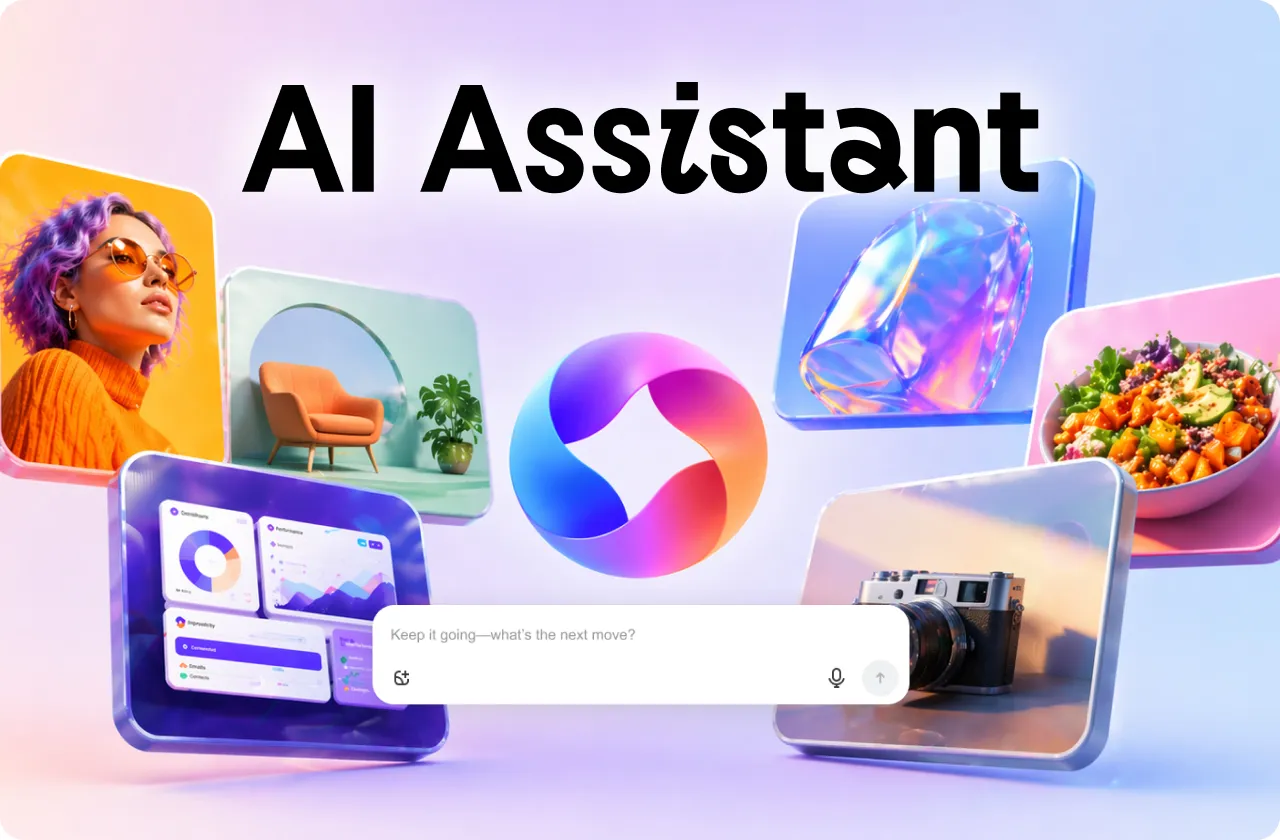
The AI Assistant promotes natural-language asset discovery. A user describes a scene (e.g., “candid group of young people laughing at a cafe”) to explore relevant licensed stock files. Rather than an agent autonomously querying databases and coordinating external tools via APIs, the AI Assistant presents candidate assets within the active session workspace for human review. You can click, scroll through assets, and visit the DepositPhotos library to discover more images, videos, or audio.
💡 Related reading: Learn how semantic prompts outperform traditional metadata tags in our comparison of AI search vs. keyword search.
Discuss and refine creative concepts
Functioning as a collaborative partner, the DepositPhotos AI Assistant enables users to shape campaign concepts by describing visual themes, uploading reference images, and brainstorming directions interactively. While an AI agent independently builds end-to-end strategies from high-level goals, the AI Assistant operates through ongoing dialogue, adapting its suggestions based on immediate human input.
Generate visuals and copy
In addition to copy generation, the AI Assistant creates custom visual concepts from natural-language descriptions—including details on composition, color schemes, and aesthetic style. Unlike an AI agent that can autonomously generate, format, and publish content across external platforms, the AI Assistant delivers interactive drafts that users evaluate and refine in real time.
Apply image edits via direct prompting
The AI Assistant enables seamless, in-chat image refinement, including background removal, upscaling, and scene expansion. All edits remain strictly within the active workspace under explicit user direction, contrasting with autonomous AI agents that modify and publish assets directly to connected platforms. This assistant-led workflow ensures full human validation before public release.
Collaborate with the AI Assistant
When to use an assistant, an agent, or both
Use an assistant for human-guided creative iteration, an agent for complex automated tool orchestration, and a hybrid model when workflows bridge creative ideation and multi-system execution.
Here is a 5-question decision guide to help identify when you need to reach for an assistant, integrate an agent, or adopt both solutions:
| Decision question | Recommended solution | Key driver & rationale |
| Do you need high-control creative execution? | AI assistant | Requires close human-in-the-loop steering for aesthetic and brand direction. |
| Do you need a workflow that automatically adapts to new information as it runs? | AI agent | Enables the system to evaluate intermediate outcomes and dynamically select the next action. |
| Do you need a hybrid workflow with human approval gates? | Both (hybrid) | Pairs human asset drafting with automated multi-channel publishing. |
| Do you need real-time, step-by-step guidance? | AI assistant | Supports interactive editing with user control at each step. |
| Do you need cross-platform API orchestration? | AI agent | Coordinates tools and APIs across connected systems with minimal intervention. |
Conclusion
Both AI assistants and AI agents elevate team productivity, but they fulfill fundamentally different operational roles. An AI assistant keeps humans directly in the loop, acting as an interactive partner for ideation, visual discovery, and asset refinement. In contrast, an AI agent independently pursues macro-objectives—automating multi-step workflows across external systems. Selecting the right architecture comes down to your integration requirements, risk tolerance, and desired level of governance.
For teams seeking full creative oversight and a low-risk entry point into generative tools, the DepositPhotos AI Assistant provides an intuitive workspace to explore concepts, iterate on visual assets, and streamline asset discovery without sacrificing brand control.
FAQ
What is an AI agent, and how does it work?
An AI agent is an autonomous system initialized with macro-level goals. It dynamically formulates plans, orchestrates external tools and APIs, maintains persistent memory across operational cycles, and executes complex tasks with minimal human intervention.
What is an AI assistant?
An AI assistant is a user-directed system designed for interactive, conversational collaboration. It assists with brainstorming, asset discovery, copy generation, and visual editing while keeping the human user in full control of creative decisions.
Is a chatbot the same as an AI assistant or AI agent?
No. A chatbot is primarily a conversational interface for messaging. An AI assistant uses conversational interfaces to co-create, search, and edit content. An AI agent may interact conversationally, but it is defined by its ability to independently plan and execute multi-step workflows across systems.
Can AI assistants become agents?
Yes, AI assistants can transform into agentic systems when their capabilities are expanded to support autonomous goal execution, multi-step planning, tool use, and persistent memory.
Do I need an AI agent for a repeatable creative workflow?
Not unless your workflow requires dynamic decision-making based on intermediate results. For predictable, template-driven tasks like text reformatting or asset generation, a user-guided AI assistant or linear automation provides greater creative control and precision. You only need an AI agent if the system must autonomously evaluate intermediate outputs, orchestrate external tools, and adapt its execution plan without human intervention.
Can an AI assistant use external tools without being an autonomous agent?
Yes, an AI assistant can use external tools without being an autonomous agent. Assistants frequently leverage function calling, web browsing, and code execution to complete specific requests, but they execute these actions within a single, user-triggered step. Unlike agents, they don’t autonomously formulate multi-step execution plans or dynamically chain subsequent tools together across continuous operational cycles without human prompts.
Can AI agents contribute to creative work, or only automate operations?
Yes, AI agents actively contribute to creative work by executing complex, multi-step production pipelines—such as generating, evaluating, and iterating on multi-format campaign assets. Unlike rigid operational scripts, creative agents can adapt messaging based on feedback, refine visual concepts, and coordinate specialized tools to build comprehensive drafts. However, establishing final artistic intent, brand voice, and aesthetic nuance still depends on human guidance.
What can the DepositPhotos AI Assistant do for creative teams?
The DepositPhotos AI Assistant accelerates campaign production by unifying the visual workflow into a single conversational workspace across four core capabilities:
- Ideation: Brainstorm creative concepts and refine visual directions interactively.
- Discovery: Search context-matched stock files across a library of 300M+ licensed assets using natural language prompts or visual references.
- Creation: Generate original, commercially safe AI visuals trained on ethically sourced data.
- Image editing: Perform fast in-workflow modifications—such as background removal, object deletion, and upscaling—without switching applications.